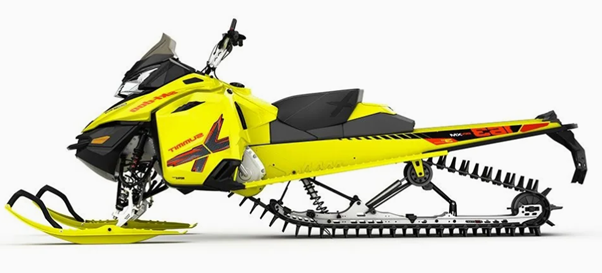
At first glance, this snowmobile is clearly a highly detailed model featuring complex surfaces, including intricate free-form surfaces. Not only is 3D scanning extremely challenging, but reverse engineering it requires a high level of skill and a significant amount of time.
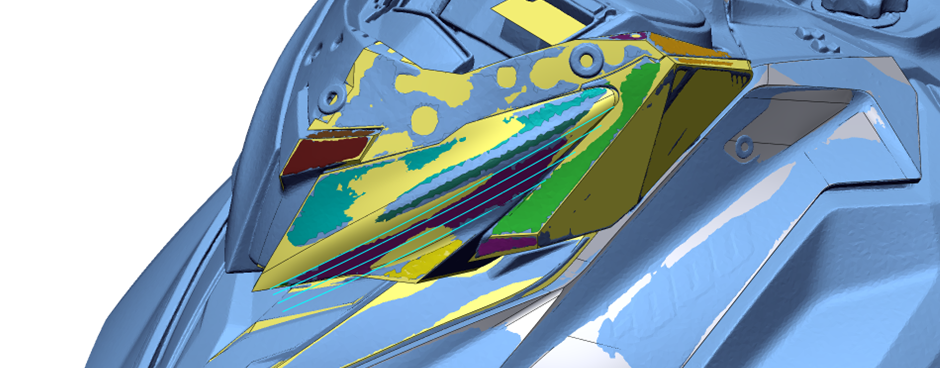
Using Geomagic Design X's automatic feature analysis, lofting, and sweep wizards, and quickly and conveniently checking deviations in each mode, we achieved excellent results in a remarkably short time.
This scan data was downloaded from the Artec 3D website; please refer to the link below.
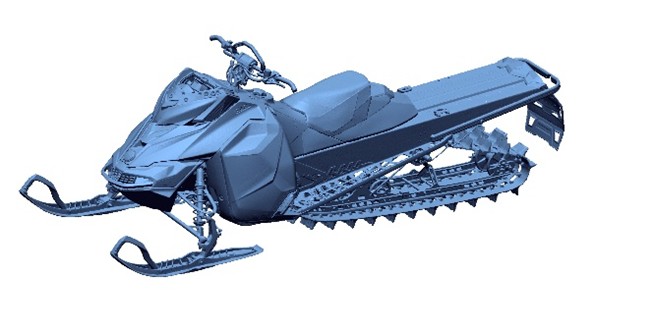
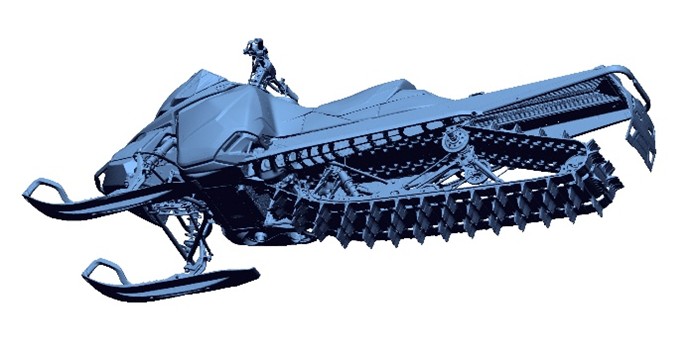
- Snowmobile by Artec 3D ( https://www.artec3d.com/3d-models/snowmobile )
- Scanning Equipment: Artec Leo
Summary of Key Features Used for Reverse Engineering
The key features used for reverse engineering in Geomagic Design X are as follows:
Loft Wizard: After automatically segmenting the freeform surface area, the Loft Wizard was used.
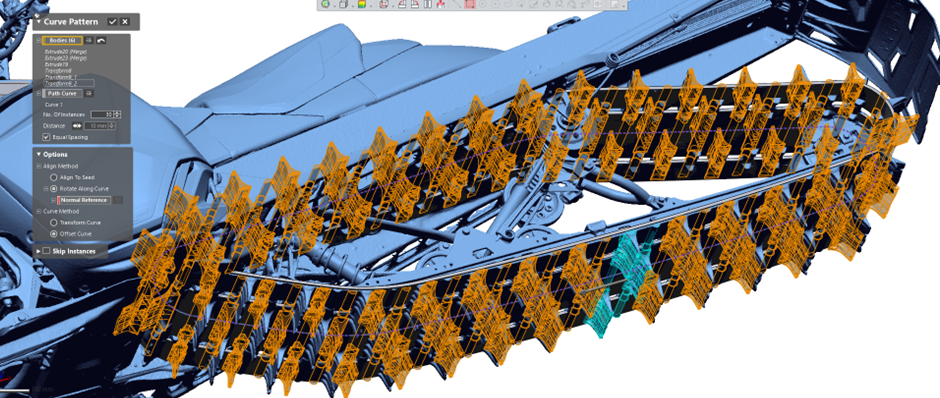
Curve Pattern: The Curve Pattern feature was used for the track, which consists of repeated shapes.
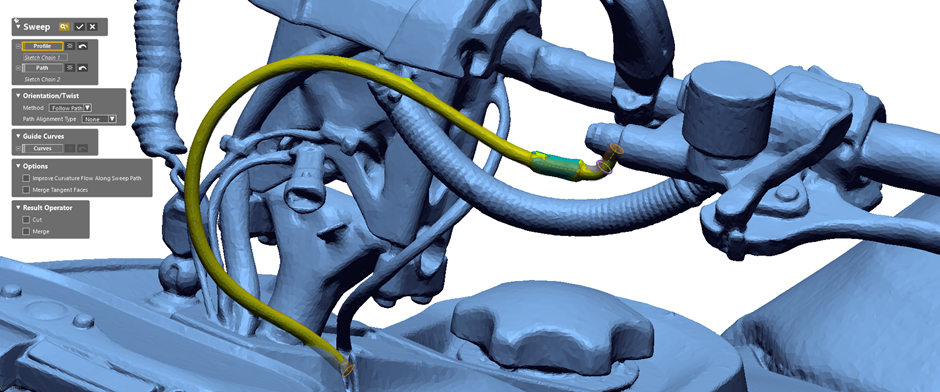
Pipe Wizard: The Pipe Wizard was applied.

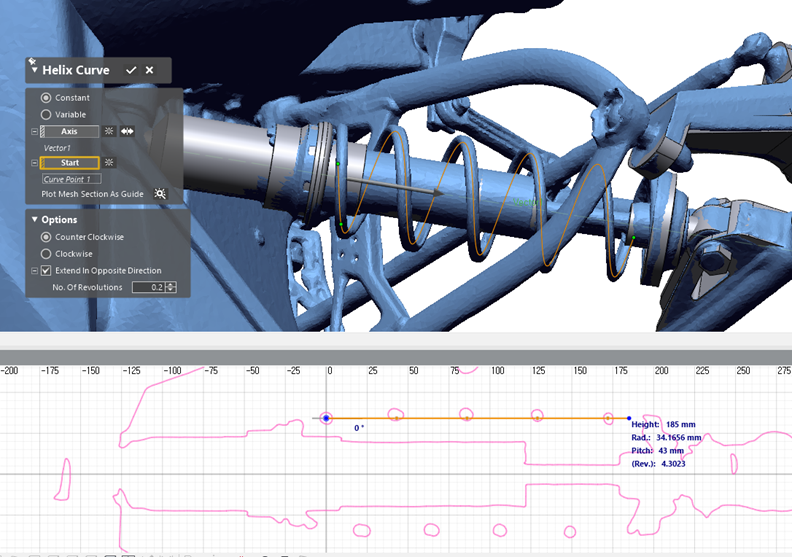
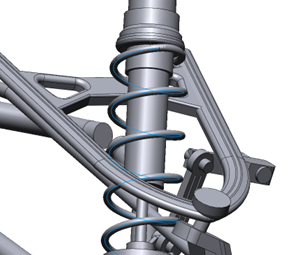
Helical Curve: The Helical Curve feature was utilized to model the spring, enabling easy and accurate extraction of modeling elements like pitch from the scan data.
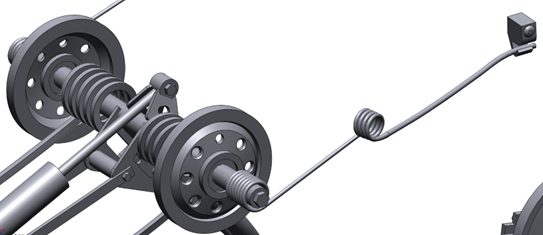
Ultimately, after investing approximately 35 hours, the following result was completed.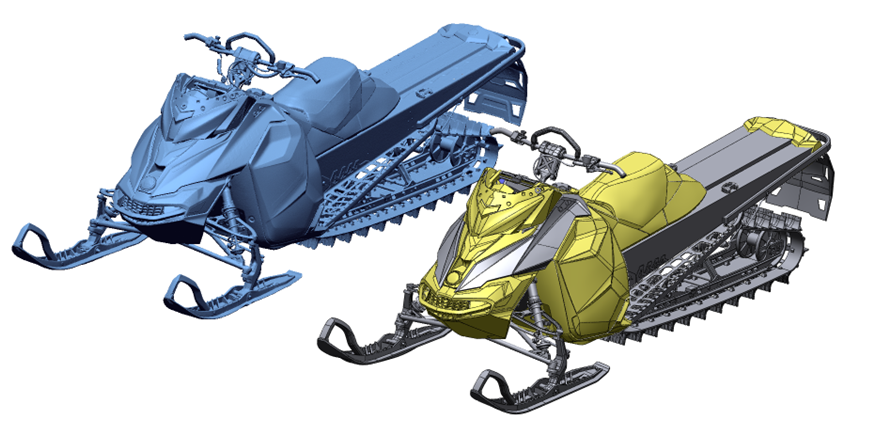
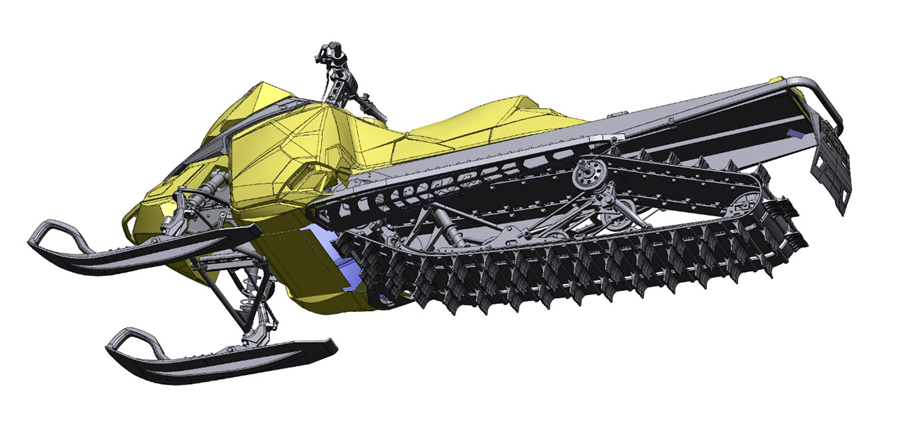
please see details here
Comments
Post a Comment